Edit a Permission Group
Quick Overview
Rename a group, add permission resources, or remove permission resources. Changes save immediately.
Edit a Group
To change a group's name or resources:
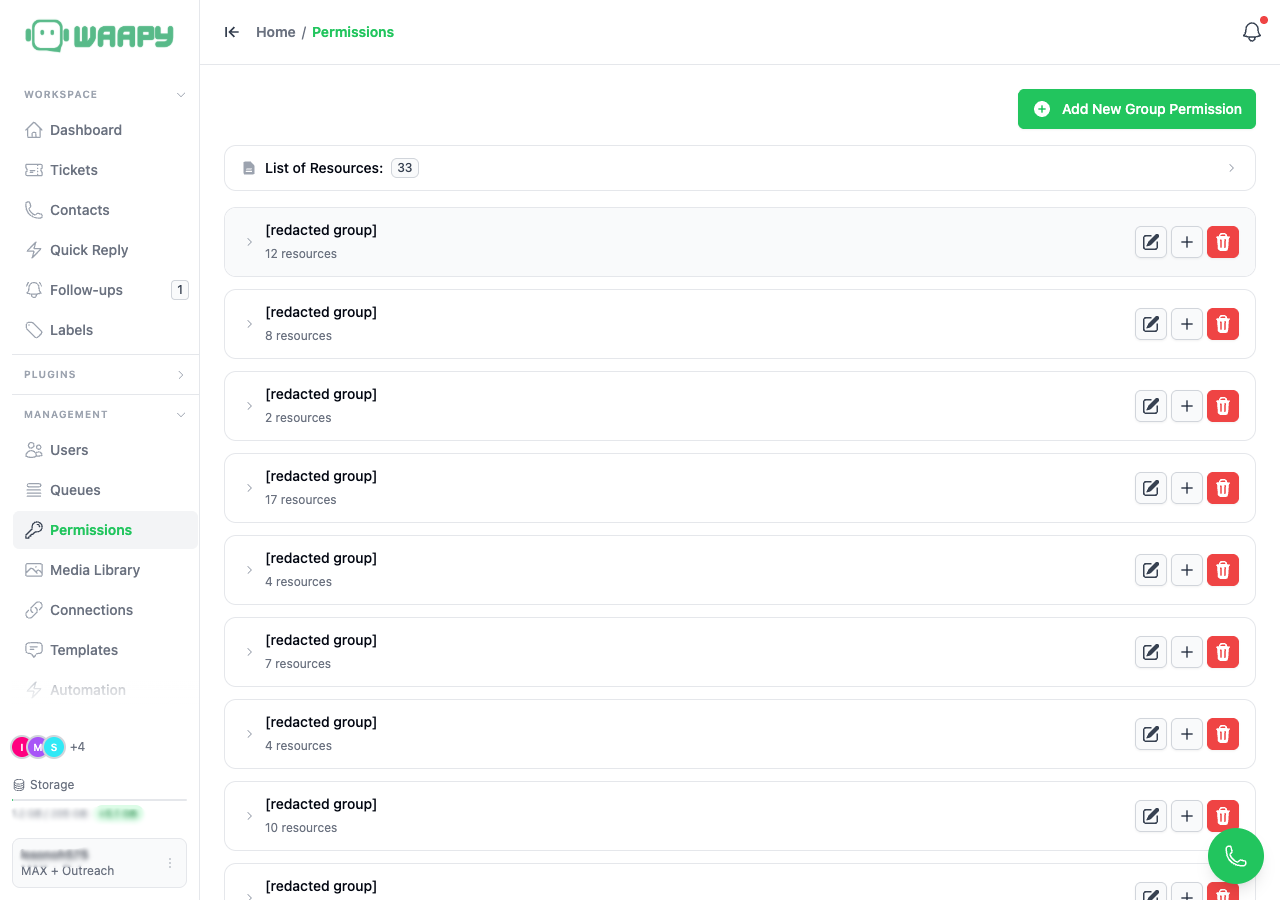
- Rename: Click the Pencil icon, type the new name, then press Enter or click away to save.
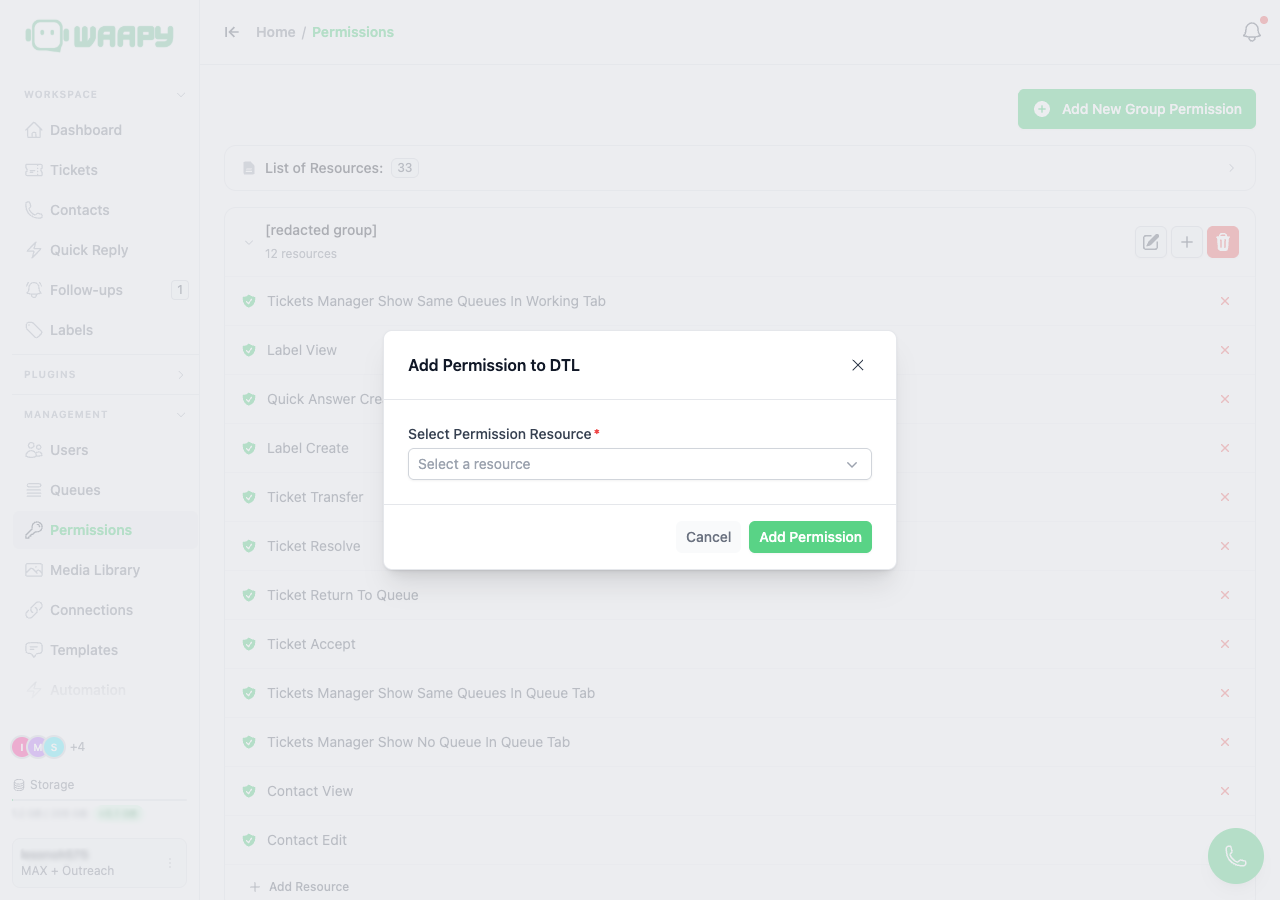
- Add permission: Click the Plus icon or Add Resource, choose a resource, then Click Add Permission.
- Remove permission: Expand the group, then Click the X next to a resource. The change saves immediately.
The Add Permission dialog lists only resources that are not already in the group.
Tips
- Expand a group to check its current resource count before editing.
- Remove a resource when a group has more access than it needs.
- Add resources gradually to avoid over-permissioning.