Unofficial (WhatsApp)
An unofficial connection runs your WhatsApp number through a WhatsApp Web gateway instead of Meta. Templates on these connections never reach Meta: they are verified on your side, approved on creation and available to send straight away.
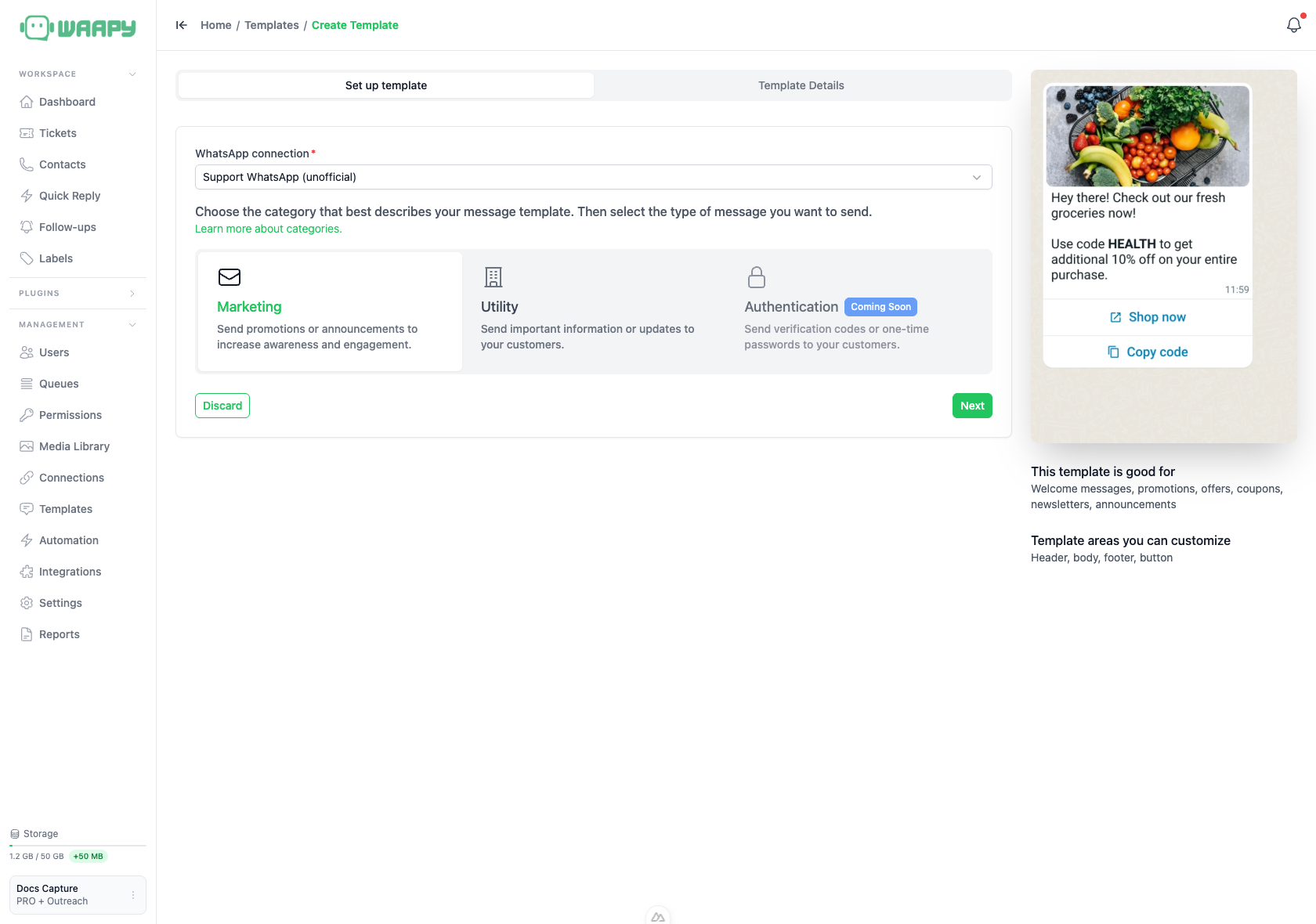
How Unofficial Templates Differ
The template list, the setup step and the details step look the same on an unofficial connection, with a few differences that follow from the missing Meta review:
- The connection appears in the filter with its name in brackets and the word unofficial, and every template on it carries an Unofficial badge.
- A template is approved as soon as you create it, so the status is Approved and no review is pending.
- The Submit to Review button reads Create Template, because nothing is sent to Meta.
- Sync Templates is not available for an unofficial connection, so the button stays disabled.
A Simpler Set of Fields
An unofficial template holds less than an official one:
- The Template type field is not shown, so every template is a Default template.
- The Buttons section is not shown. A template on an unofficial connection is sent as plain text built from the header, the body and the footer.
- The header, the body, the footer, the variables and the sample values work exactly as they do on an official connection.
Spintext
Spintext lets you write several wordings for the same slot, and the gateway picks a different one on each send. Write the options between pipes inside the body, for example {{hi|hello|hey}}, and keep {{1}} and {{2}} for values that change per customer.
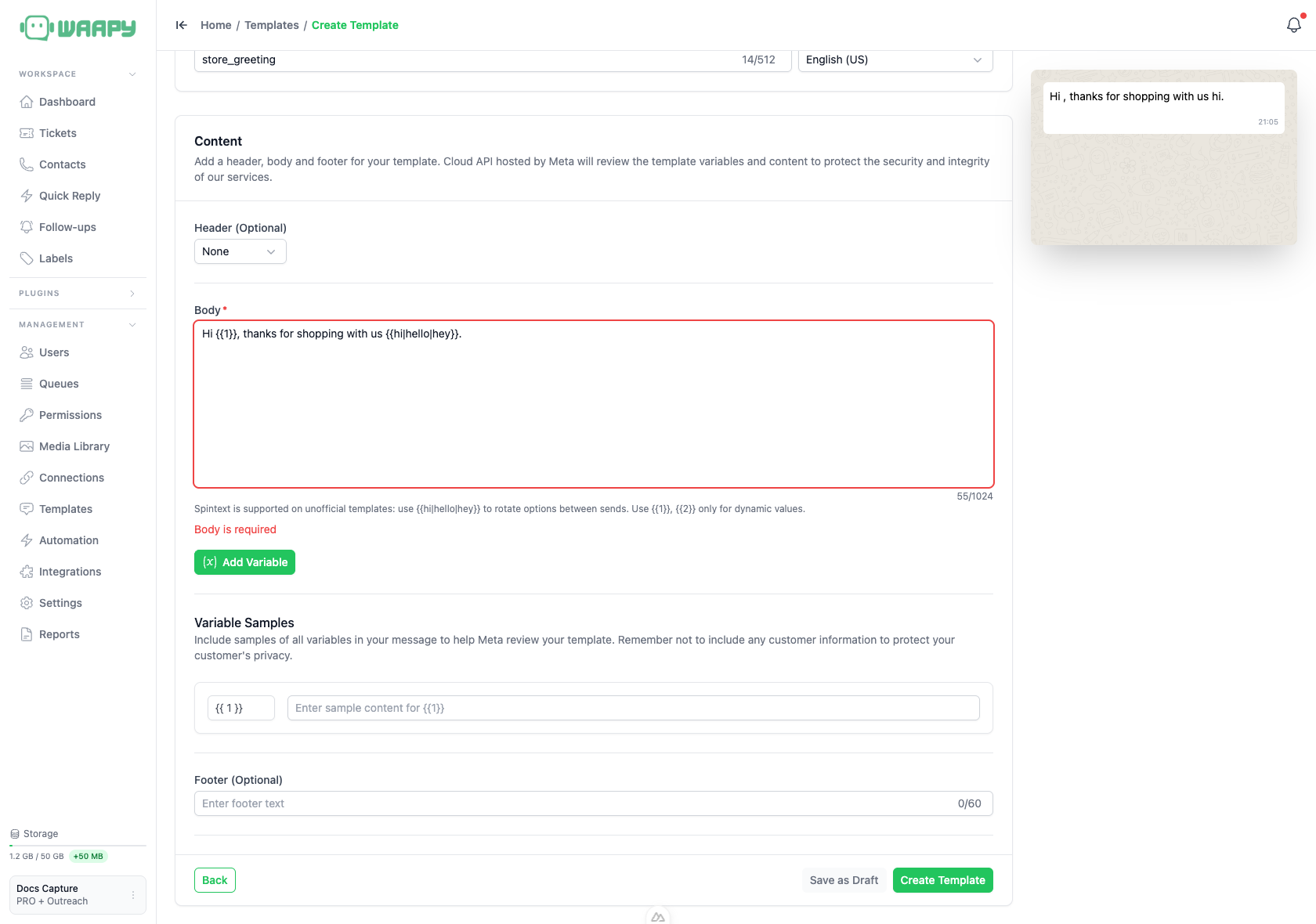
Editing an Unofficial Template
You can edit an unofficial template at any time. The name stays editable, the language stays fixed once the template exists, and the category can still be changed.
Sending an Unofficial Template
An unofficial connection has no 24-hour customer window, so you can send free-form messages at any time and the ticket composer never asks for a template.